The problem
I bookmark everything. Articles to read later, tools to try, a recipe, a flight. And I file none of it. My bookmarks bar is a drawer I'm afraid to open, and "later" never comes.
Sorting thousands of links by hand is the kind of job nobody finishes. It is also exactly the kind of job AI is good at, as long as it stays humble.
What Helpy does
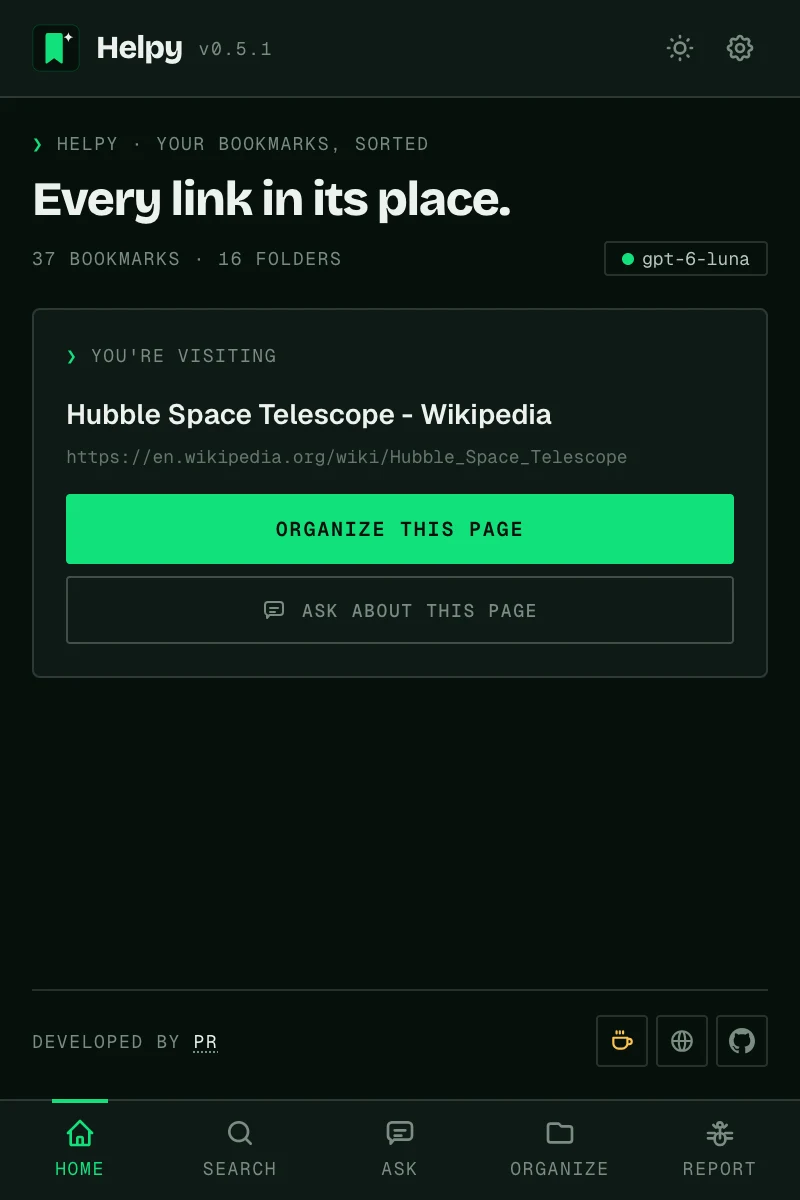
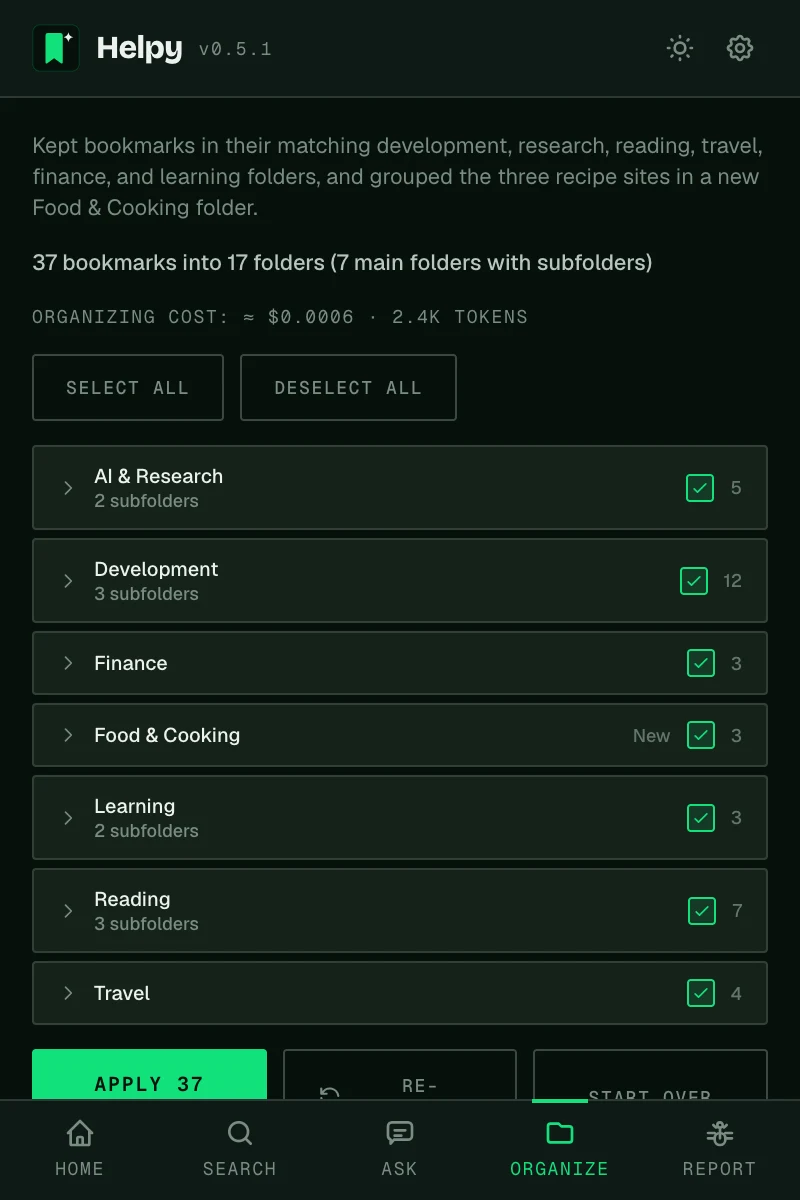
Helpy reads your bookmarks and suggests a folder for each. You choose one page or thousands, and nothing moves until you review it: accept, decline, or pick another folder.
- Search that forgives typos, as you type.
- Search by meaning, in any language. Type "dormir mejor por la noche" and it finds an article called Why we sleep. This runs entirely in the browser, with a small model that downloads once.
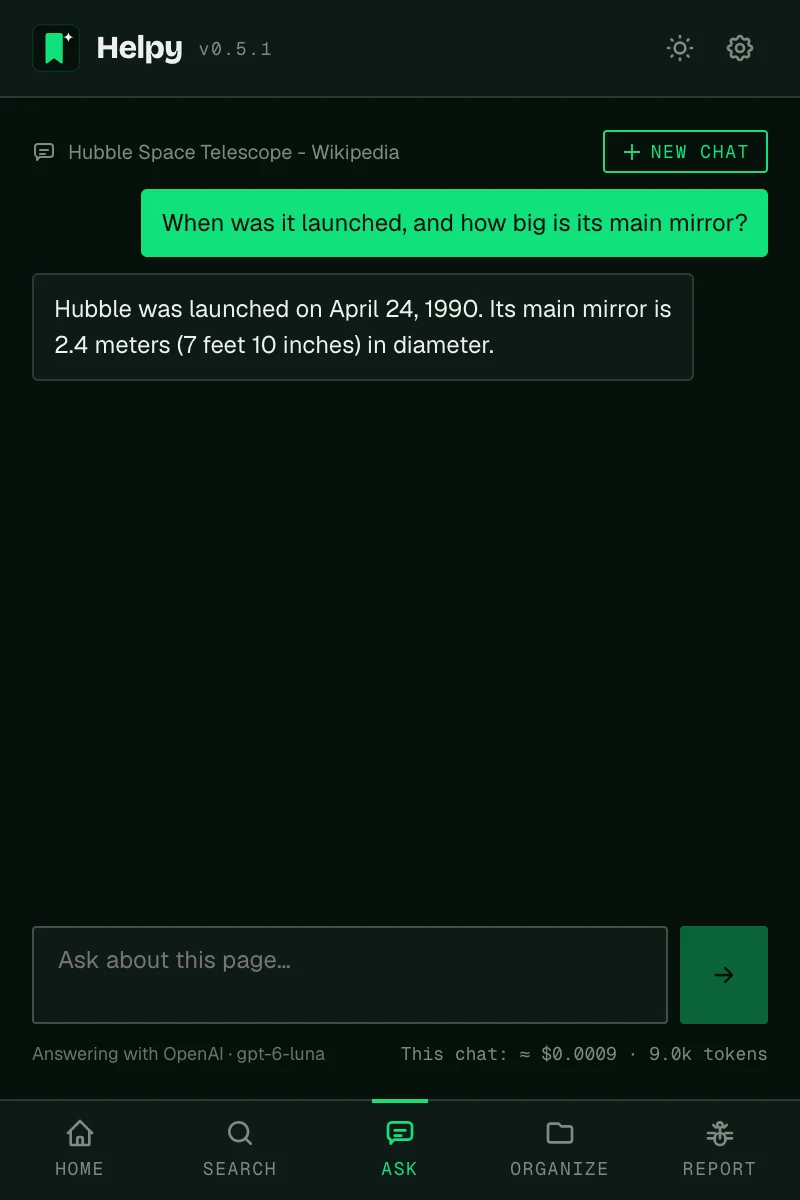
- Ask about the page you're on, with follow-up questions.
- Duplicate cleanup, and a depth limit so folders don't nest forever.
The video shows the whole flow in a few minutes.
Bring your own AI
This is the decision I'm happiest with. Helpy has no server and no account. You pick the AI you already use: Gemini, OpenAI, Claude, OpenRouter, your own local setup, or the AI built into Chrome. Your key stays in your browser, only titles and links are sent to the provider you picked, and there is no tracking at all.
Measuring instead of guessing
"Which model is best for this?" is a question people answer with a feeling. I wanted a number, so the project has a small benchmark: ten links that each need a folder, a batch of twenty that need a whole plan, and a seven-question chat about one article, including one in Spanish and one the page can't answer. Each model gets a score for accuracy, speed and cost, weighted 60, 20 and 20. The scores show up under the model picker in settings, so you can choose with data.
Where it is now
The extension is built and has a website with a setup guide, the tested models and a feedback form. It isn't in the Chrome Web Store yet, so for now you install it from source with the steps on the site. That is the next step.