The problem
People who make content for a living spread a single post across six tools: one for images, one for video, one for the voiceover, a doc for the script, a folder for the brand colours, and a chat window to ask for help with all of it. None of them connect. You download from one, upload to the next, and explain the context again every time.
The AI tools don't fix this on their own. Each one is good at its one thing, but none of them knows what you made in the others, so the person stays the glue between them.
What I built
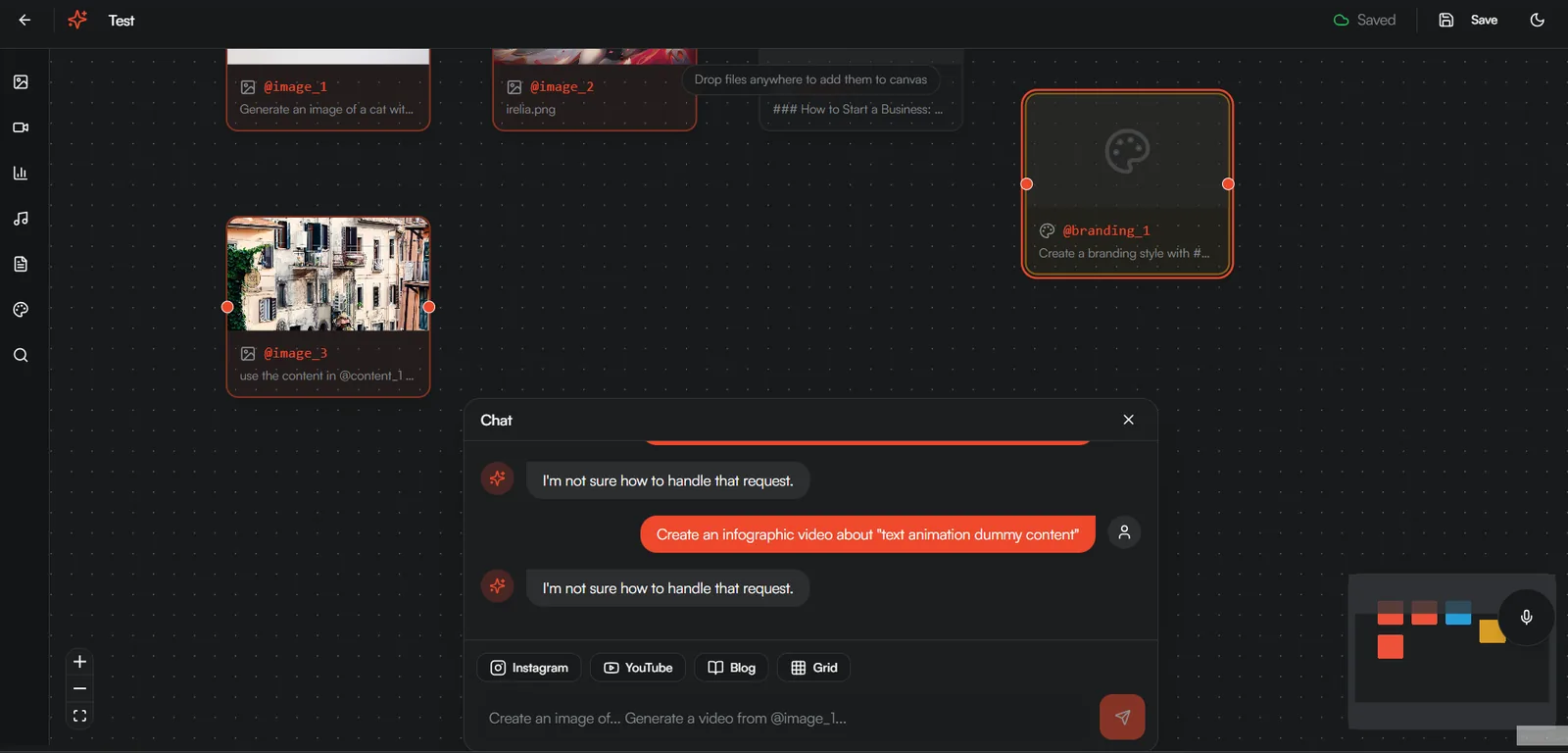
Idealizer puts all of it in one place: an infinite canvas, like Miro, where everything you make sits side by side, with an AI assistant that can see all of it and build on it. I built it alone in under 24 hours at the Cursor AI Hackathon in Hamburg, run by the AI BEAVERS community, with more than 400 people and around 100 projects over one weekend. I had come off the waitlist and made a long trip for it, without expectations.
What it does
- Every asset gets a name. The moment an image, video or text lands on the
canvas it gets a label:
@image_1,@video_2,@content_3,@branding_1. You write "animate @image_3 using the tone in @branding_1" and the agent knows exactly which two things you mean. - Short tags pick the tool.
@createmakes an image,@editchanges one,@combinemerges up to eight,@mergejoins videos. - Images, video, voice and copy from one chat. The agent reads your message, resolves the labels and chains the calls: generate an image, turn it into a clip, add a voiceover, write the caption.
- Brand kits. Colours and tone saved as an asset, so every new piece can follow them.
- Masked edits. Paint over part of an image and change only that part.
Why these tools
The labels are what make the canvas useful to a model. On a board full of
pictures, "make a video from that one" means nothing; @image_3 means one
thing. The tags came later for a practical reason: letting the model guess the
tool felt cleverer, but tags were the only way to make it behave the same way
twice in a row.
Behind the chat sits a LangChain agent, because the whole product is one request turning into several tool calls in the right order, and that is what LangChain agents are for. Each tool calls the provider best at that job: FLUX for images, MiniMax Hailuo for cinematic video, Hera for infographic-style video, ElevenLabs for voice, and OpenAI and Gemini for text, research and reading images. Supabase stores the assets, with a table for each kind. The frontend is React with React Flow for the canvas.
What was hard
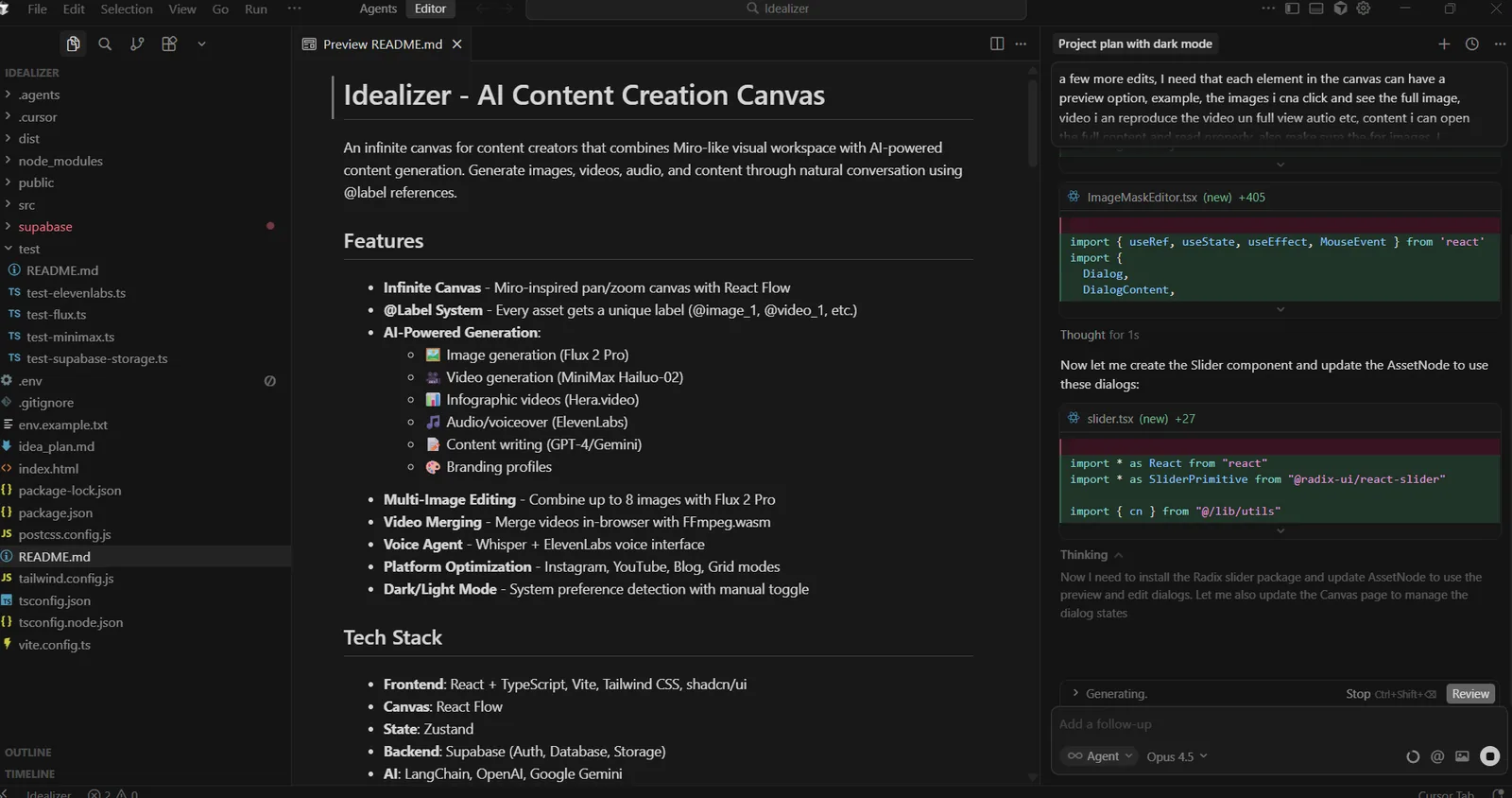
By Saturday night everything lived in one 859-line backend file, and every new provider made it worse: touching the image code risked breaking video. In the early hours of Sunday I stopped adding features and split it into one file per provider, with a proper database table per asset type. It cost me three hours of features and it was the right call. Around noon I could fix one provider without worrying about the others.
The other problem was waiting. A FLUX job doesn't always come back quickly, and a demo in front of judges can't sit there. So every image call got a timer: if FLUX hasn't answered in 30 seconds, the backend sends the same request to a backup (FLUX through fal.ai, or MiniMax's own image model). The user never sees the switch; they just get a picture.
const imageUrl = await pollFluxResult(job.id, apiKey, {
  fallback: { label: "fal.ai", handler: () => generateFalFluxImage(prompt), afterMs: 30000 },
});
That is simplified from the real code. It isn't elegant, but it kept the demo working.
What it became
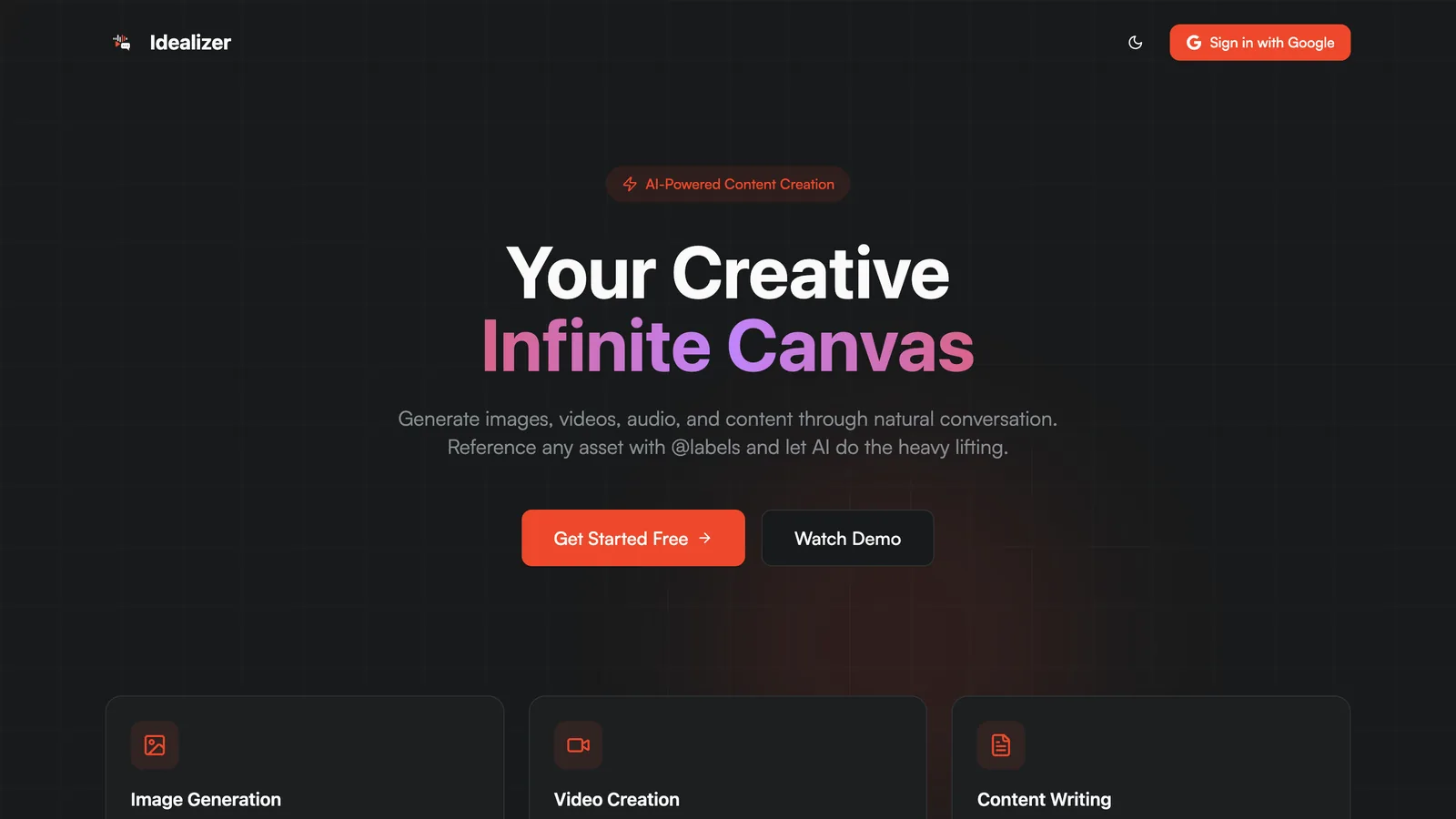
Idealizer won two tracks (Best use of LangChain, Best use of MiniMax) among about 100 projects, built in under 24 hours. The landing page is still live, and this is the demo I recorded:
Thanks to Alexander Zakharov, Vladyslav Nyzhashchyy and Ramin Azhdari for organising it, to the AI BEAVERS community, and to the sponsors (Cursor, Manus AI, Hume AI, ElevenLabs, Google, n8n, OpenAI, LangChain, Runway, Miro, v0 and MiniMax among them). A weekend like this doesn't happen without them.